Free Online AI 3D Model Generator
Turn the best ideas in your head into stunning creations. Our AI-powered generator transforms your descriptions and images into beautiful, detailed 3D models — all in seconds.
5 free generations per hour • No sign-up required
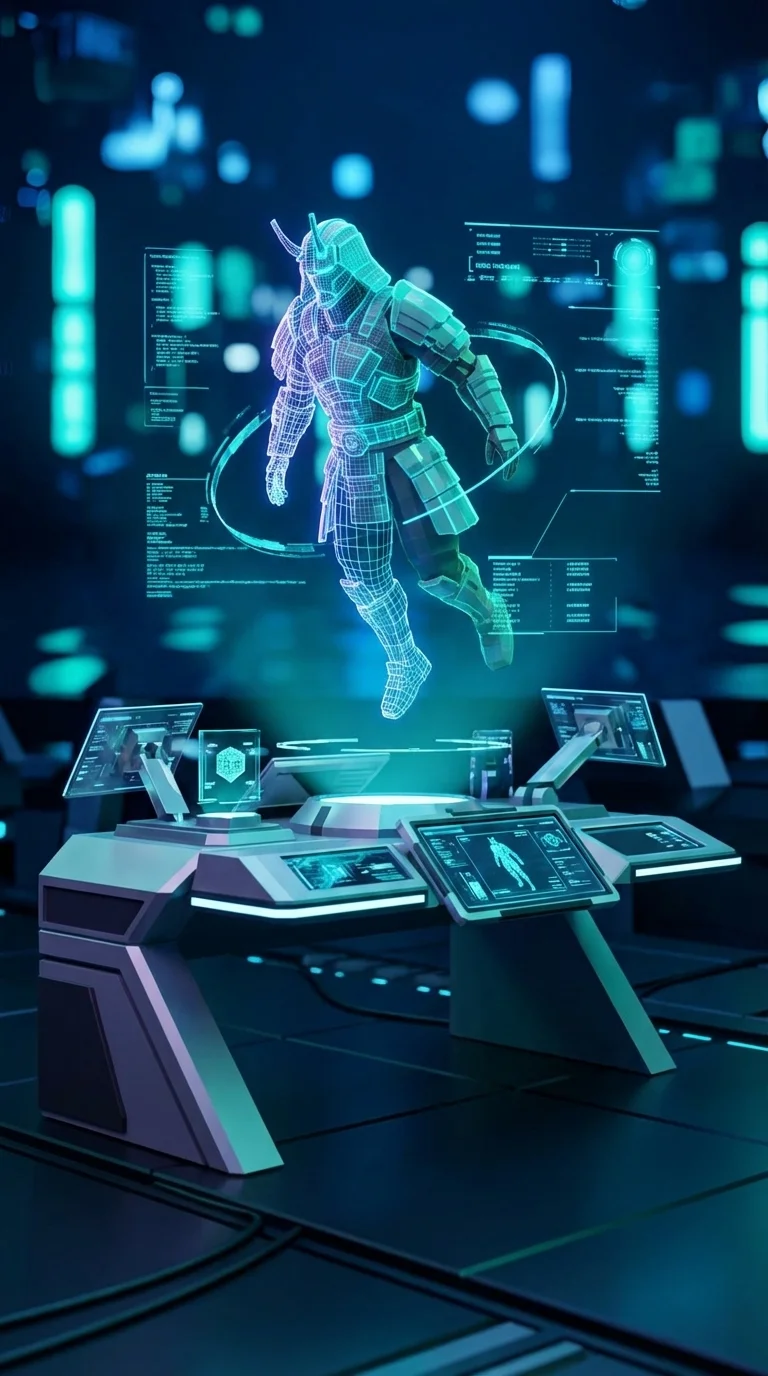
50,000+
AI Models Created
10,000+
Active Creators
15+
Export Formats
Free
to Start
Meet Our AI-Powered 3D Model Generator
Turn your wildest imaginations into stunning visuals with our AI image generator. Speed up the design process by simply writing a description of what you want. Get customizable, high-quality AI results to storyboard a concept, create marketing campaigns, or design unique content.
Start Creating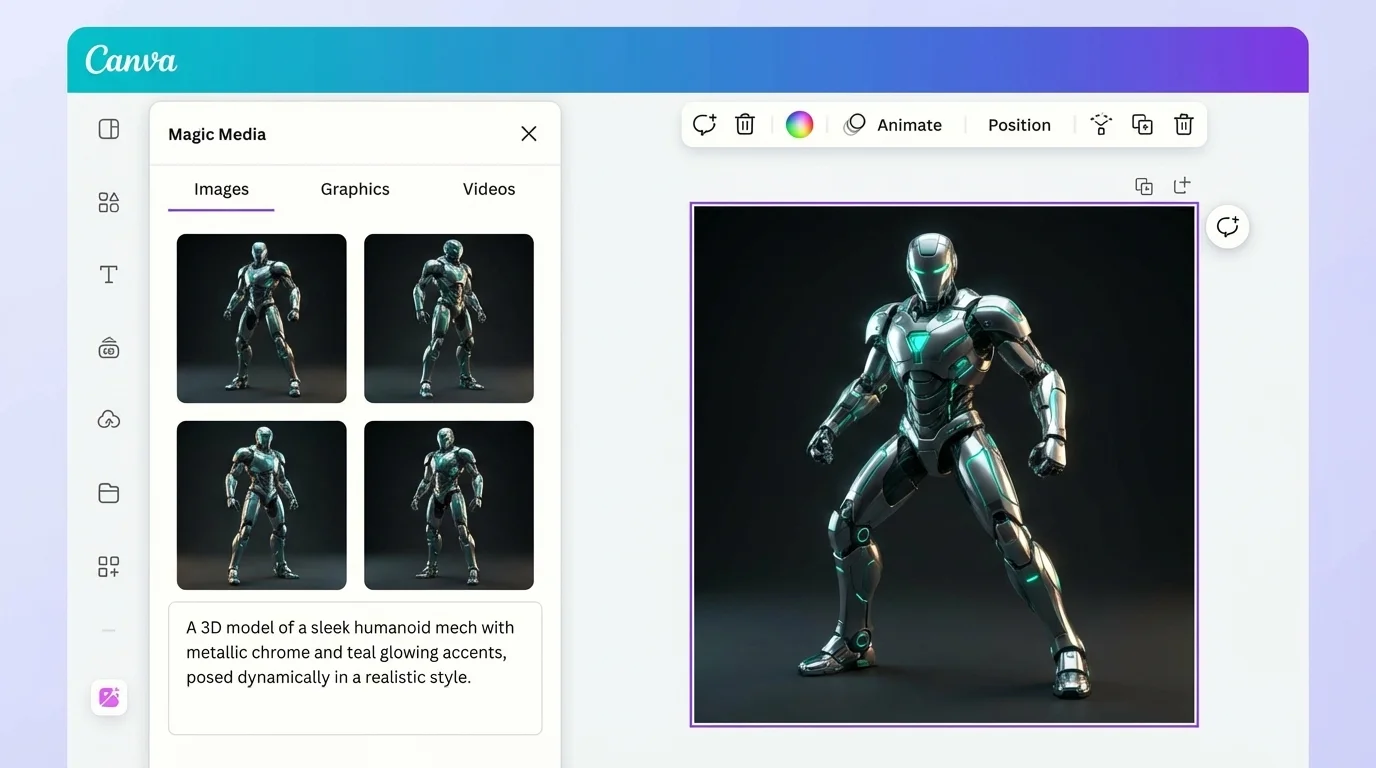
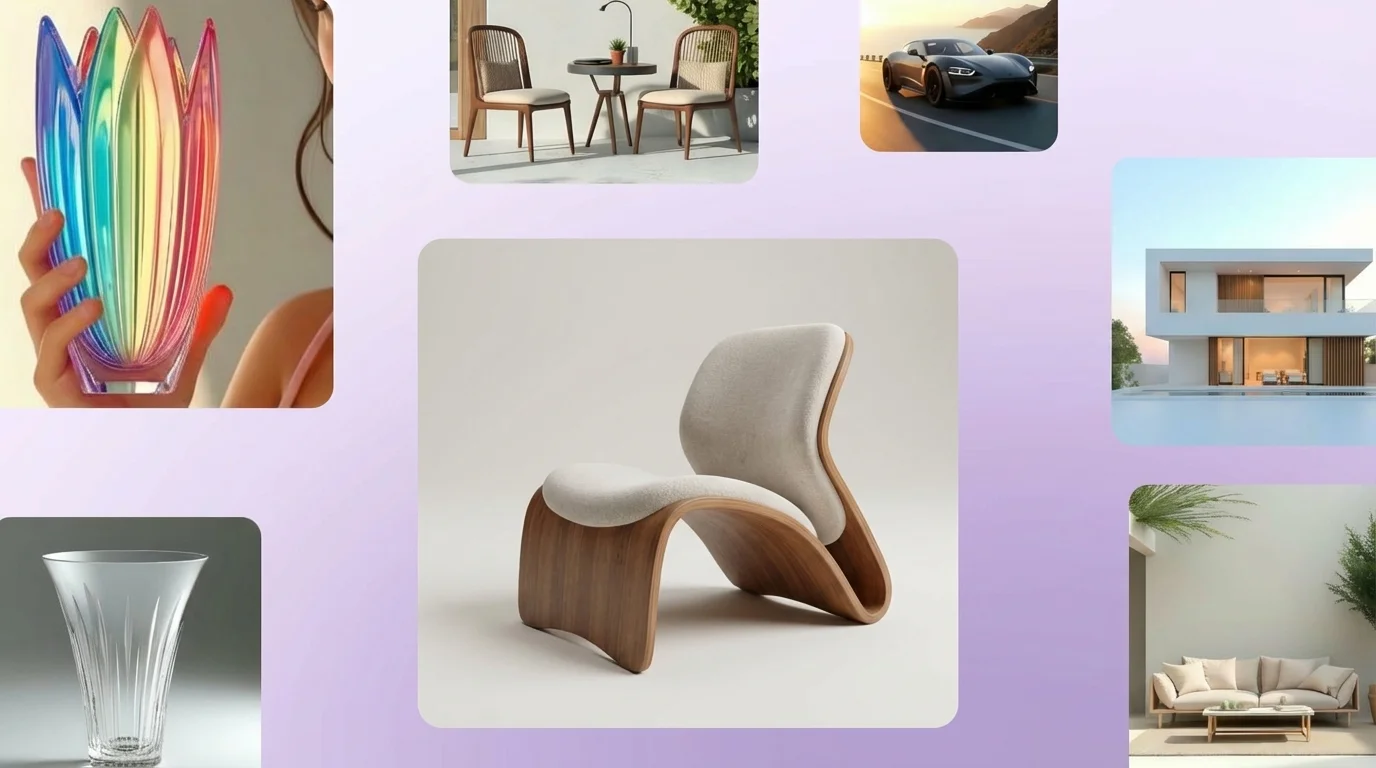
Explore endless design possibilities
Our AI-powered engine brings imagined scenarios straight to your screen — no design or image editing experience needed. Transform your input into a customizable AI 3D model you can easily use in any project. Level up your content like a pro, and discover new frontiers of design.
Start ExploringFine-tune for a fully dimensional finish

Generate ideas into vivid images, your way
Select the aspect ratio for your generation and request multiple results so you can find the perfect AI 3D model output for your project.

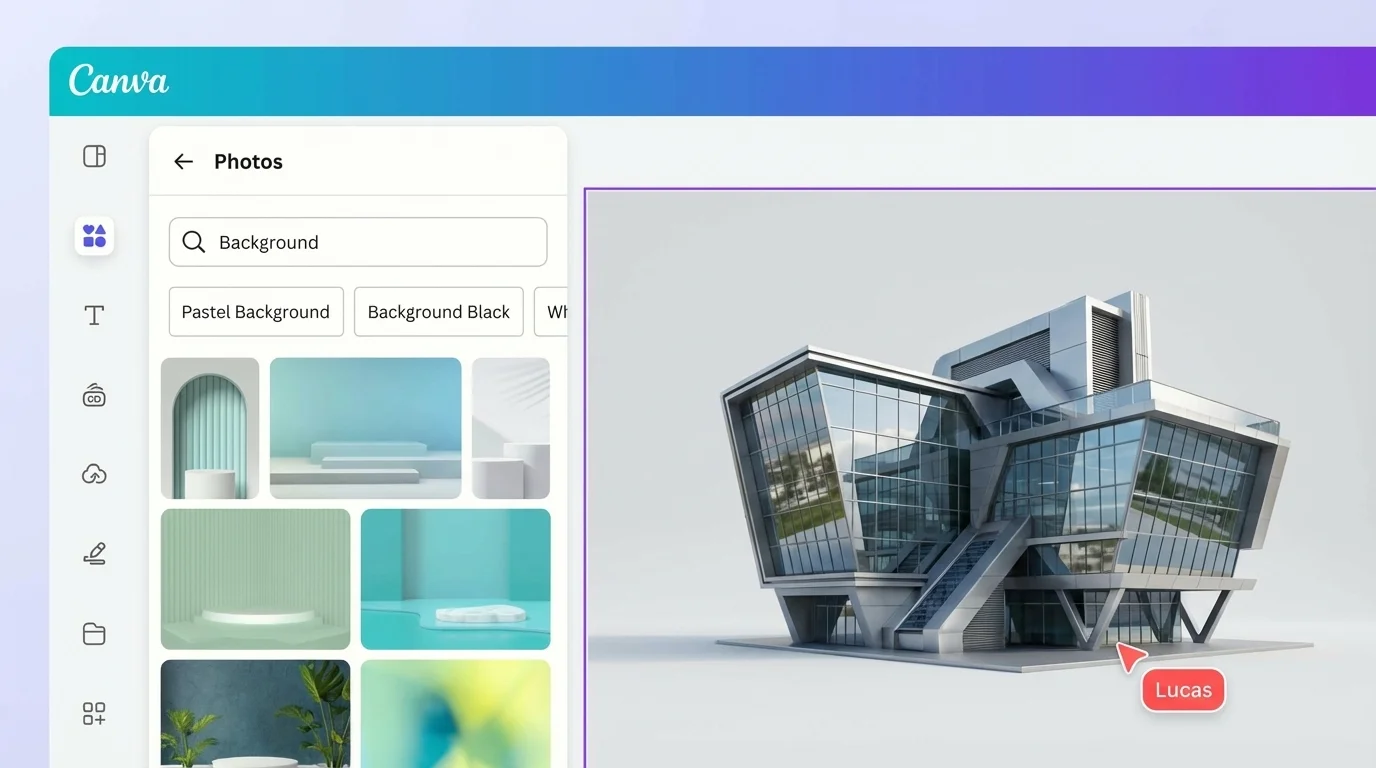
Polish the 3D model with ease
Use the Image Enhancer and other AI-powered editing features to make adjustments in a jiffy, and create a transparent image with the one-click Background Remover.
Wrap it up with words and graphics
Add text, graphics, icons, frames, and more to enhance the AI output. Explore the vast media and font library for millions of assets to complete your design.
Discover more generator tools
Text-to-3D Engine
Your creations can rock any style with our AI image generation engine. Create various image renders with your preferred look and composition.
Dream Studio
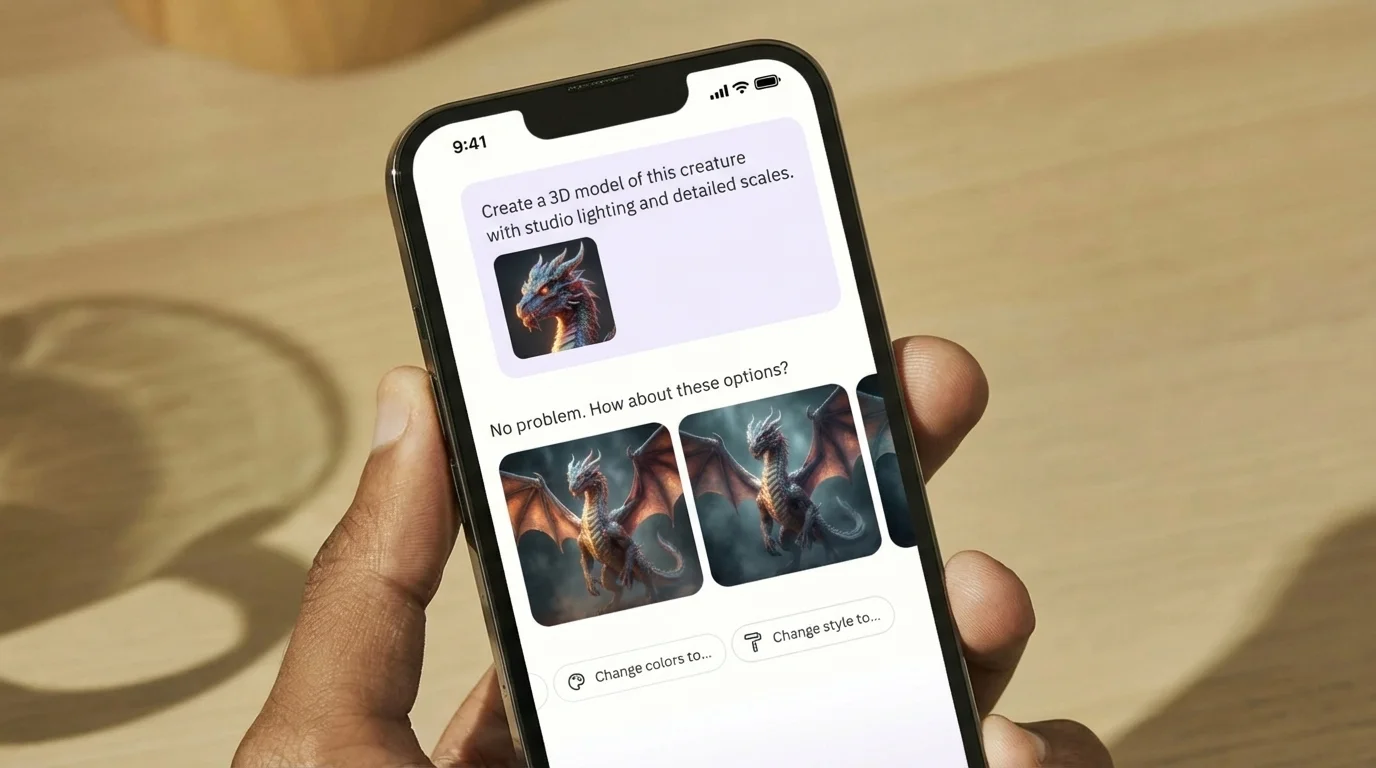
Dream big with our intelligent assistant. Dream Studio uses your simple text or reference image to produce a vibrant, production-quality AI 3D model.
A fun and safe AI design journey
We want to let your creativity flow, worry-free. To help you generate AI models safely and responsibly, we've added stringent measures to block prompts that might produce harmful or inappropriate content. We ensure every generation remains a safe experience. We encourage you to report to us if you come across any unsafe material.
Get Started Free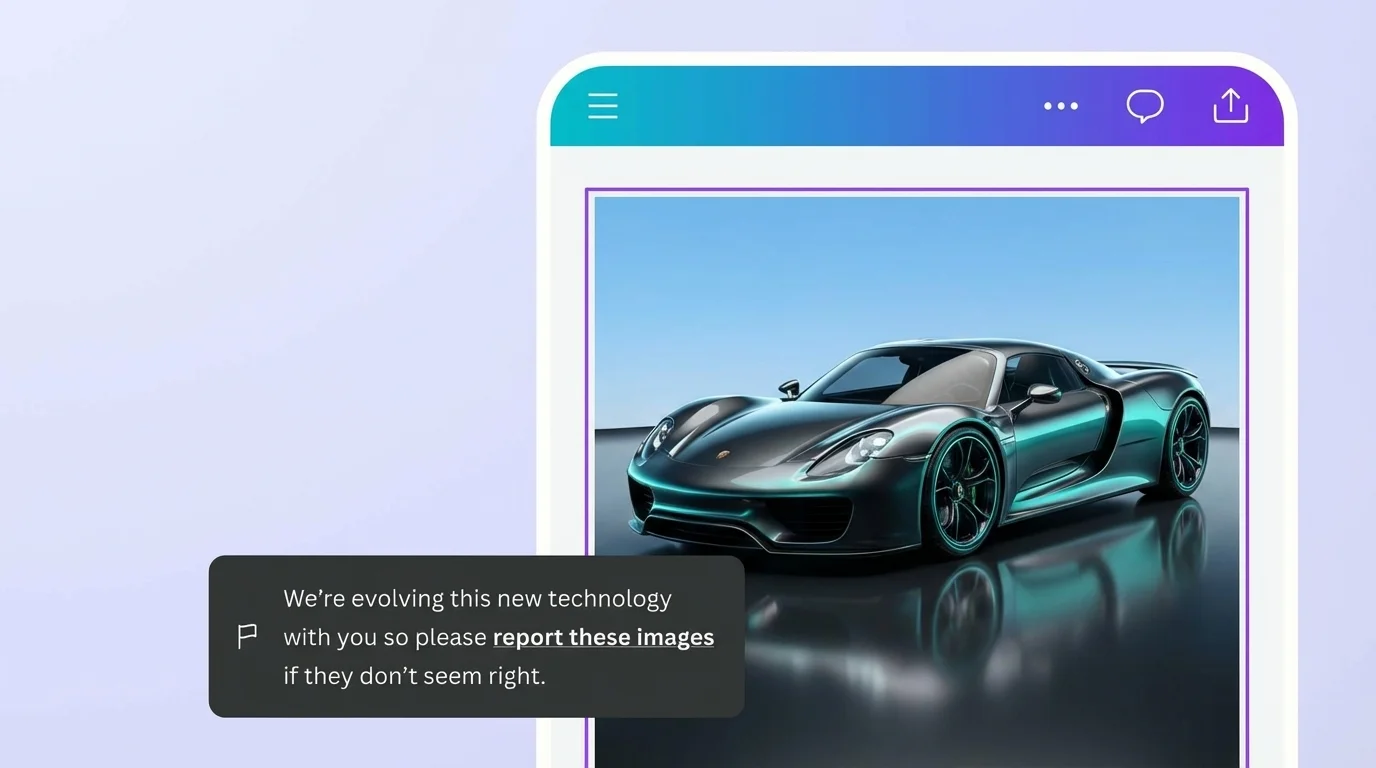
AI 3D model generation for all creators
For business owners
Create AI renders and assets fit for your future-proof business ideas.

For marketers
Attract an audience for your brand with supercharged, AI-powered professional-quality designs.

For designers
Unlock your creative potential with visually appealing, customizable AI models.
All the AI 3D modeling features you need
Free, intuitive AI tools make it easy to create any design, fast!

Generate 3D models from text
Create AI visuals that bring a product or idea to life, draft a creative concept, or push the limits of what's possible.

Various art styles available
Render your AI-generated images in stunning art styles like Watercolor, Filmic, Neon, Color Pencil, Retrowave, and more.

AI Smart Edit
Want to change the color or texture of an object? Or swap the background for something else? Smart Edit lets you add to, replace, or edit your 3D model with a short written prompt.

Smart Eraser
Instantly clean up your image with AI-powered detection and remove any unwanted distractions using Smart Eraser — no manual editing needed.

AI-enhanced images
Fix your photo's focus, lighting, and coloring with easy-to-use sliders in our built-in photo editor.

Photo effects & filters
Choose from our selection of adjustable color filters and fun photo effects to remix your photo.
Add Text to Photo
Easily add text to your photo or image to tell a story. Font combinations, colors, and styles available.

One-click background remover
Remove image backgrounds, perfect for product photos, headshots, or transparent PNGs.
Smart Expand
Extend an image in any direction. Smart Expand lets you fix awkward framing, save zoomed-in images, or turn a vertical shot into a horizontal one.
Millions of free images, icons, and graphics
Get access to our entire library of millions of photos, icons, graphics, media elements, audio, sound effects, and more.

Access anywhere and autosave
Jump from device to desktop — design how you work best! Your progress is automatically saved along the way.
Automatically translate your design
Quickly change the language of your existing design, with over 100 languages to choose from.
Easy sharing and exporting tools
Share and export designs as JPG, PNG, PDF, and more. Flexible formats for any use case.

Real-time collaboration
Create, collaborate, comment on designs, and get everyone on the same page, at the same time, from anywhere.

Content planner
Create and schedule content to your favorite social media accounts directly from the platform.
How to create your AI 3D model
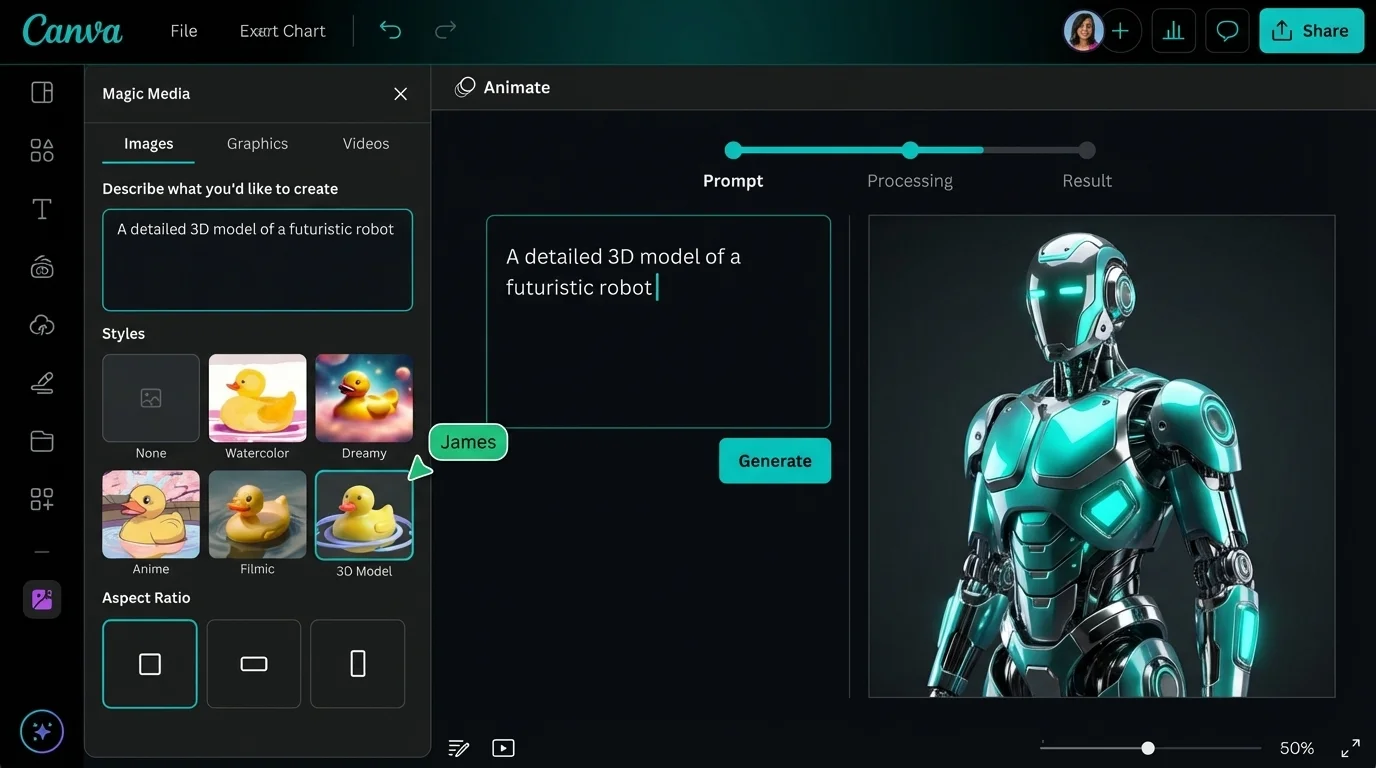
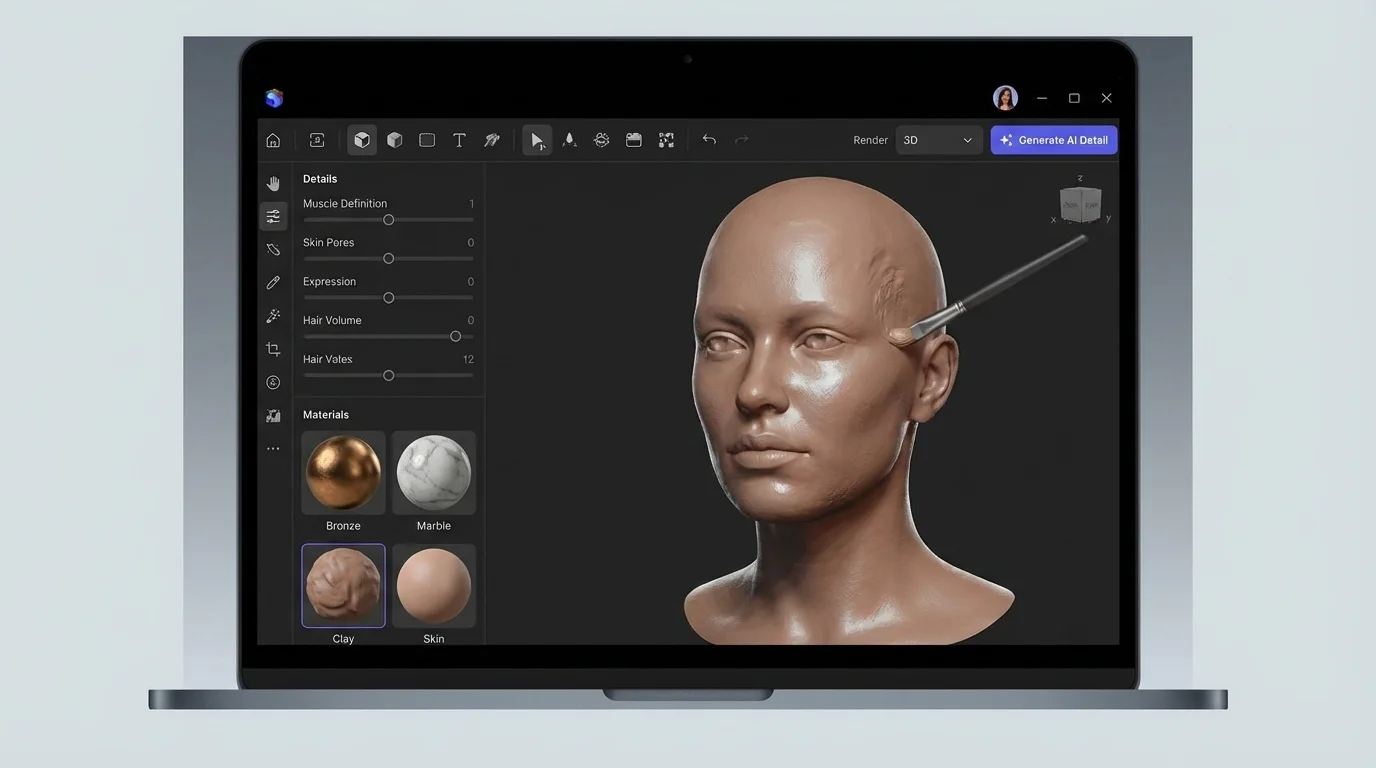
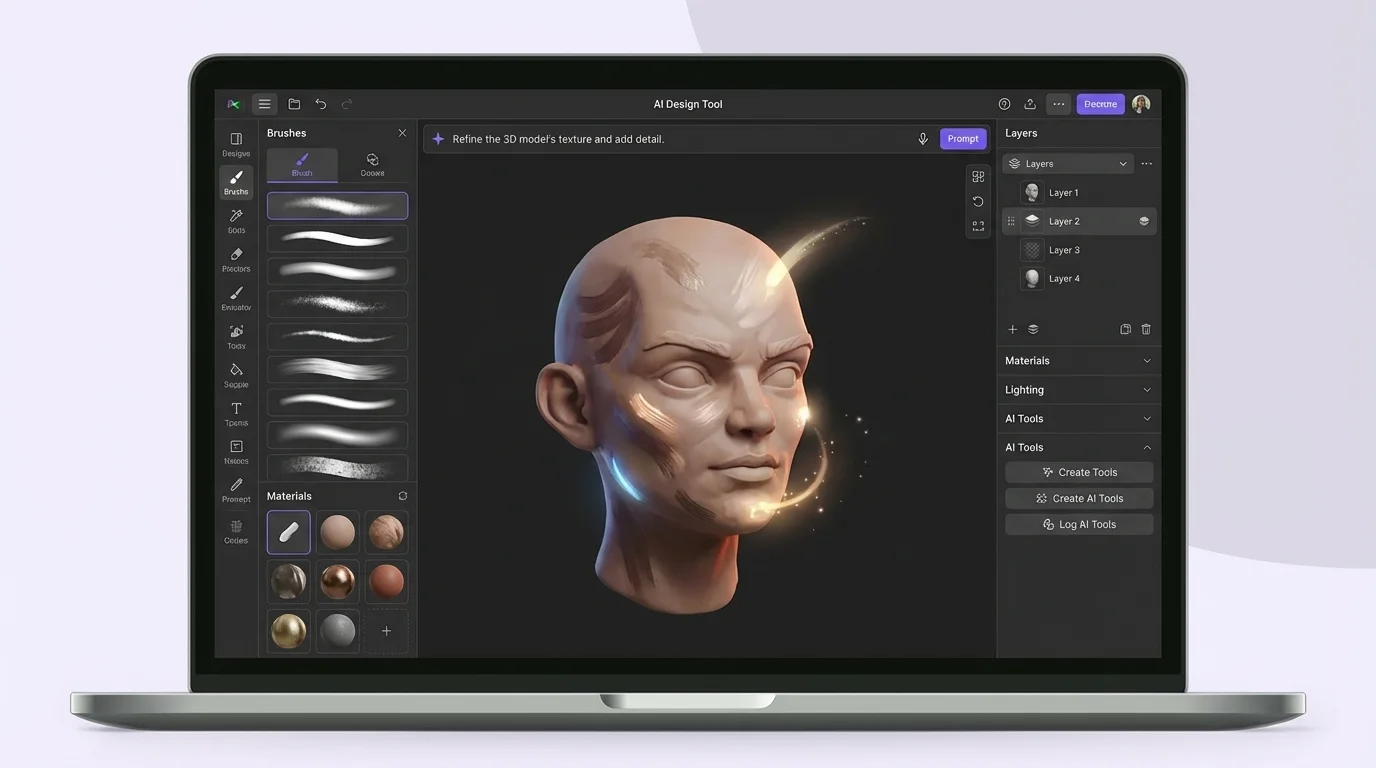
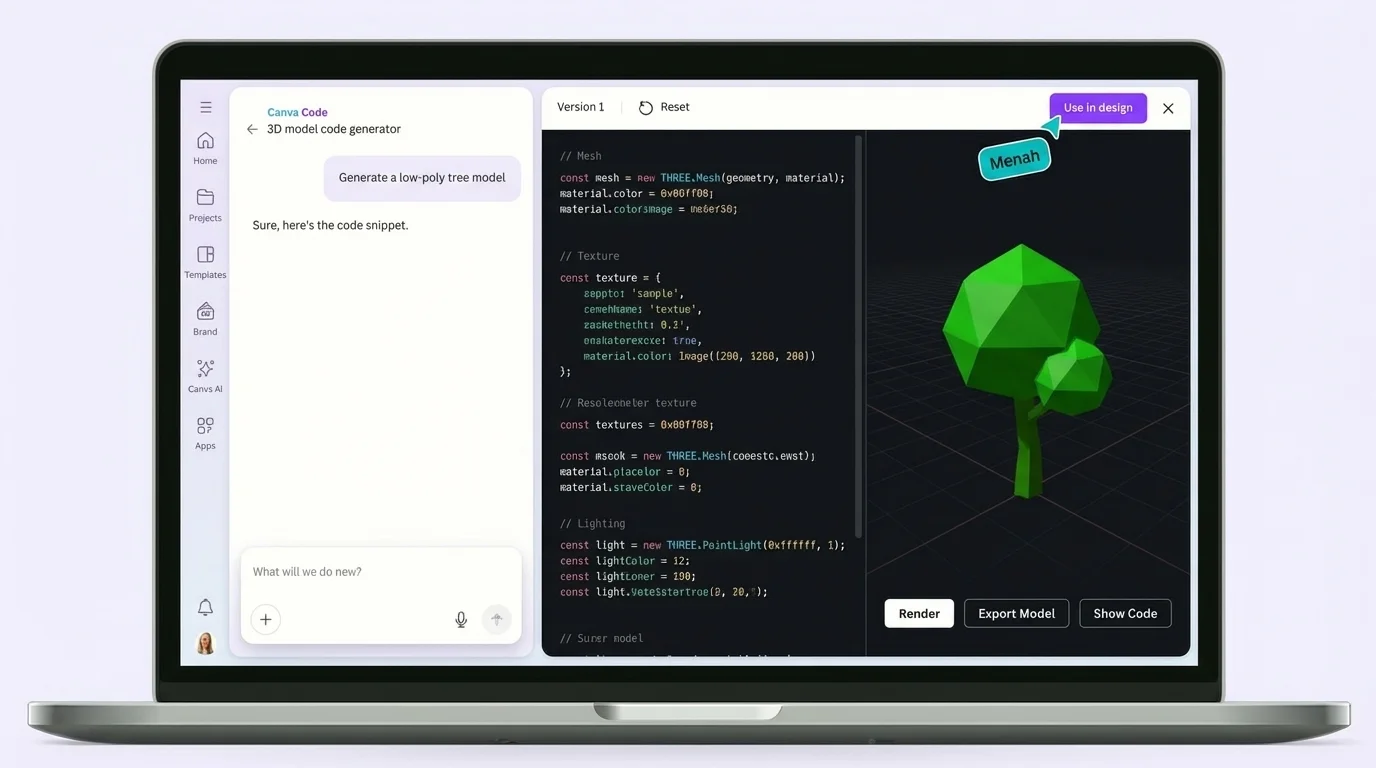
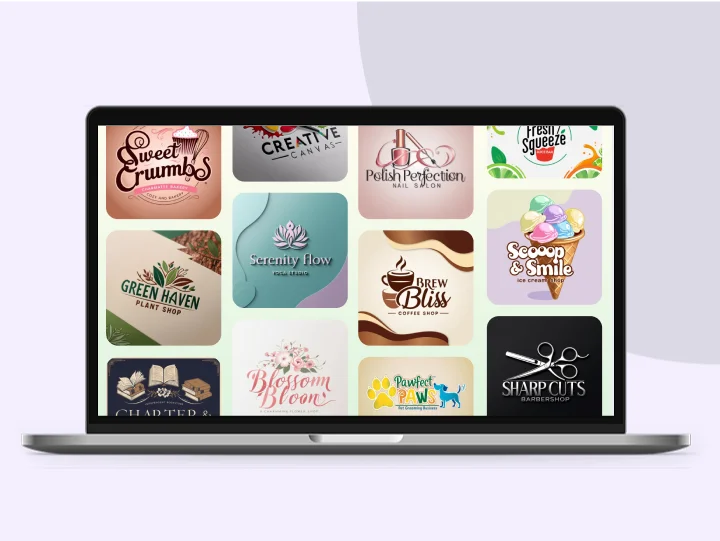
AI 3D Model Creator Showcase
See what creators are building with our AI tools
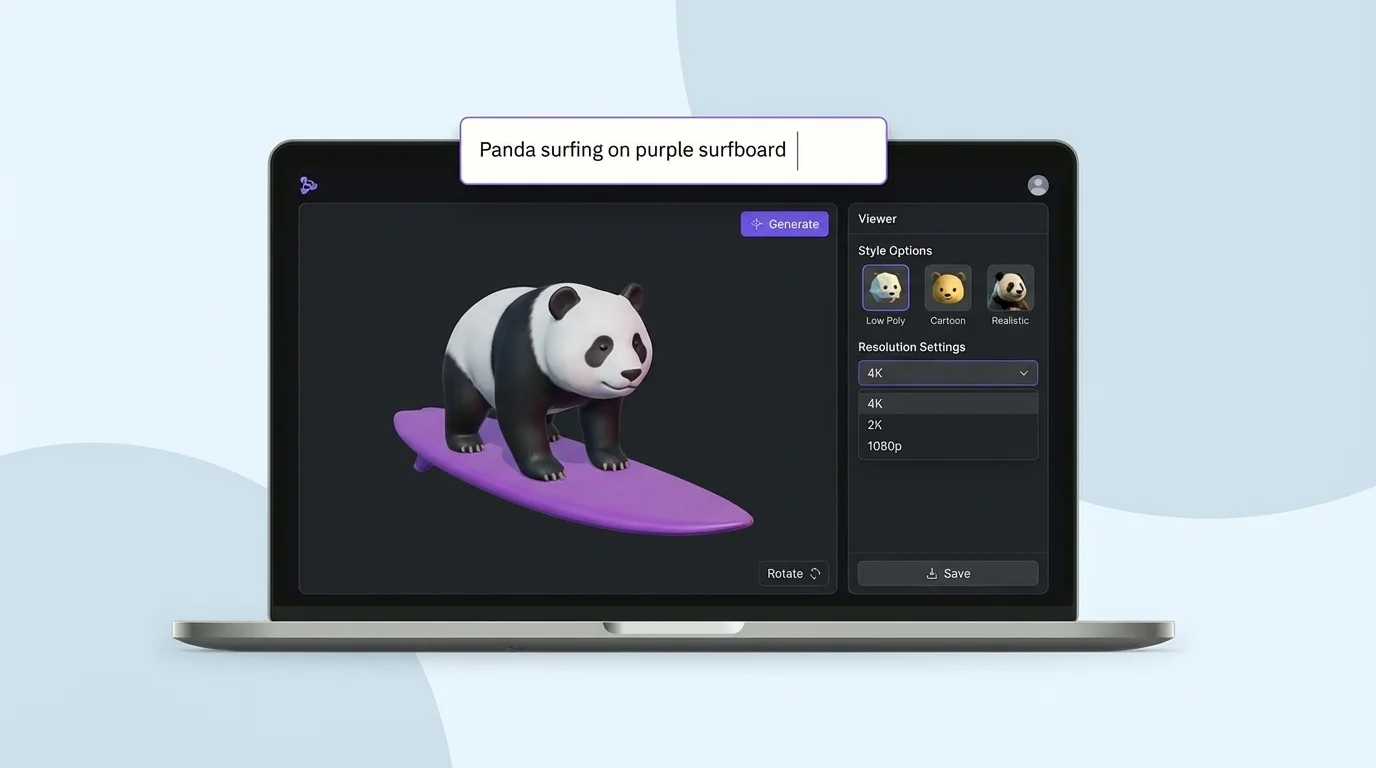
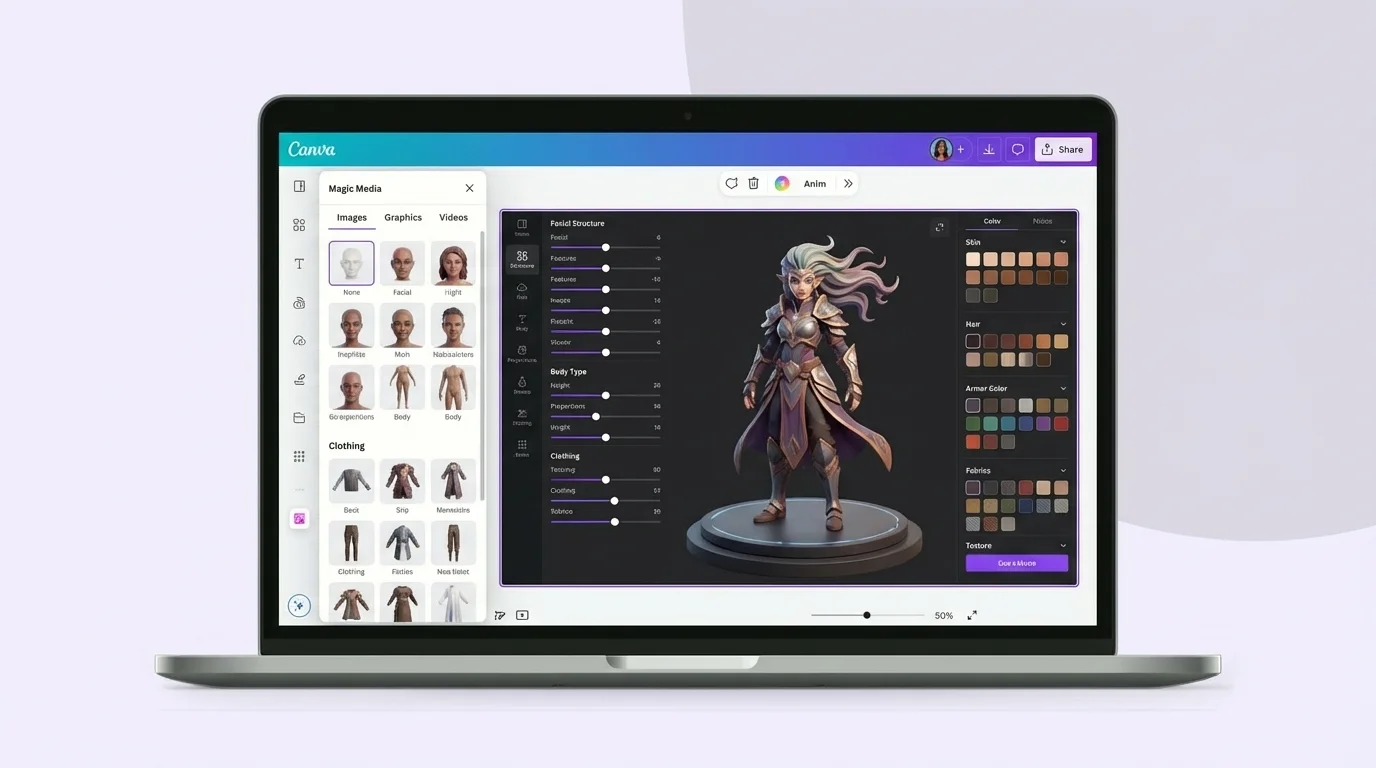
AI 3D Modeling vs Traditional Modeling
See why creators are switching to an AI 3D model workflow
Your questions, answered
3D models can be video or photo renders that are photorealistic and stylized, often used for conceptual, practical, or aesthetic purposes. An AI 3D model generator uses artificial intelligence to produce such visuals, applying a machine learning tool that scans and analyzes references and texts across the internet. As the algorithm detects trends, it becomes more accurate at depicting how the 3D model output should look. The generator works through descriptive inputs from the user. It understands your descriptions and produces a photorealistic result in the desired style.
Yes, it's free! Our platform offers a generous free tier that lets you generate AI 3D models for your designs. Premium plans are also available for users who need higher volume or advanced features.
To get the most effective results, your descriptions should be clear, with as much visual detail as possible. The 3D model image output works best with the right texture, lighting, and composition.
- Identify a subject and include an action, if any. If it is a human or animal, you can mention expressions, too.
- Create a setting. This establishes your background and surrounding objects.
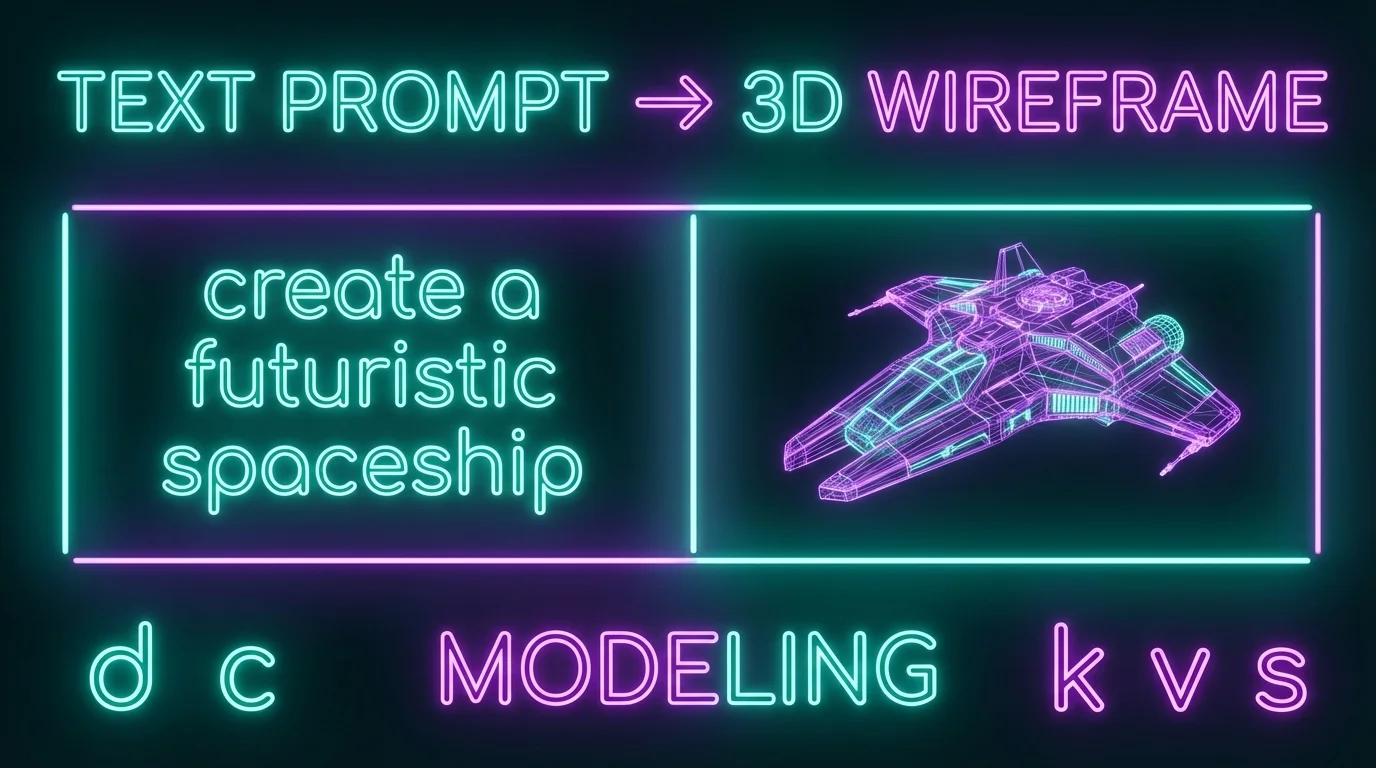
- Specify a style. Is it cartoonish? Futuristic? A wireframe?
- Mention textures, like wooden finishes or glossy overlays.
- Highlight lighting and shadow details. Is your subject backlit? Are there sharp shadows? Is there a source light? This also establishes the mood and tone of your image.
There are many ongoing discussions and opinions on the issue of copyright for content created with AI-powered tools. The answer largely depends on the country you live in. We do not claim copyright over any 3D model or image created from our AI generator. You own the rights of the output produced, subject to our Terms of Service.
Our platform offers multiple AI generation engines:
- Text-to-3D Engine: The core AI engine transforms your descriptions into beautiful renders for free.
- Dream Studio: An advanced engine that transforms your input into production-quality images. You can also provide a reference image that matches your brand or style.
Yes, many tools can generate 3D models that are compatible with printing workflows. The key is to export your AI 3D model in a print-ready format such as STL or OBJ. Depending on the complexity of the output, you may need to run it through a mesh repair tool to ensure watertight geometry. This technology has made it significantly easier for hobbyists and professionals alike to go from concept to physical prototype in a fraction of the traditional time.
The best AI tool depends on your use case and skill level. Our platform is designed for both beginners and professionals, offering text-to-image and image-to-model generation with no prior experience required. Other popular options in the market focus on specific niches like character design, architectural visualization, or game asset creation. When choosing a tool, consider factors like export format support, the quality of generated assets, and whether the platform offers editing capabilities for refinement.
In most cases, yes. We grant you ownership of the creations you make on our platform, which means you can use them in commercial projects such as marketing materials, product image visualizations, and game development. However, commercial usage rights can vary between different platforms, so it is important to review each provider's terms of service. We recommend always checking the licensing terms to ensure your usage complies with the provider's policies before incorporating results into commercial work.
Improving the quality of your AI-generated results starts with writing better descriptions. Be specific about materials, lighting, surface textures, and the overall style you want. Using a reference image alongside your description can also dramatically improve the output. After generation, take advantage of built-in editing tools like mesh smoothing, texture adjustment, and detail enhancement to refine your 3D model. Iterating on your input and experimenting with different settings is the fastest way to achieve professional-quality results.
The accuracy of AI-generated 3D models has improved dramatically and continues to advance rapidly. For creative and conceptual work such as game assets, marketing visuals, and artistic renders, the AI tool produces impressively detailed and realistic results. For precision-critical applications like engineering or manufacturing, the output may require additional refinement in traditional CAD software. The technology excels at rapidly producing high-fidelity designs for prototyping, visualization, and creative exploration, making it an excellent starting point even for technical workflows.
Free Online AI 3D Model Generator
Turn the best ideas in your head into stunning creations. Our AI-powered generator transforms your descriptions and images into beautiful, detailed 3D models — all in seconds.
Start Creating AI 3D Models Now